AI SoftwareCorporation

Cloud MigrationCloud Migration & Modernization

Move to the cloud in planned waves, not one risky weekend

We find out what you run, decide what should move, change, retire or stay, and migrate in rehearsed waves with tested rollbacks.

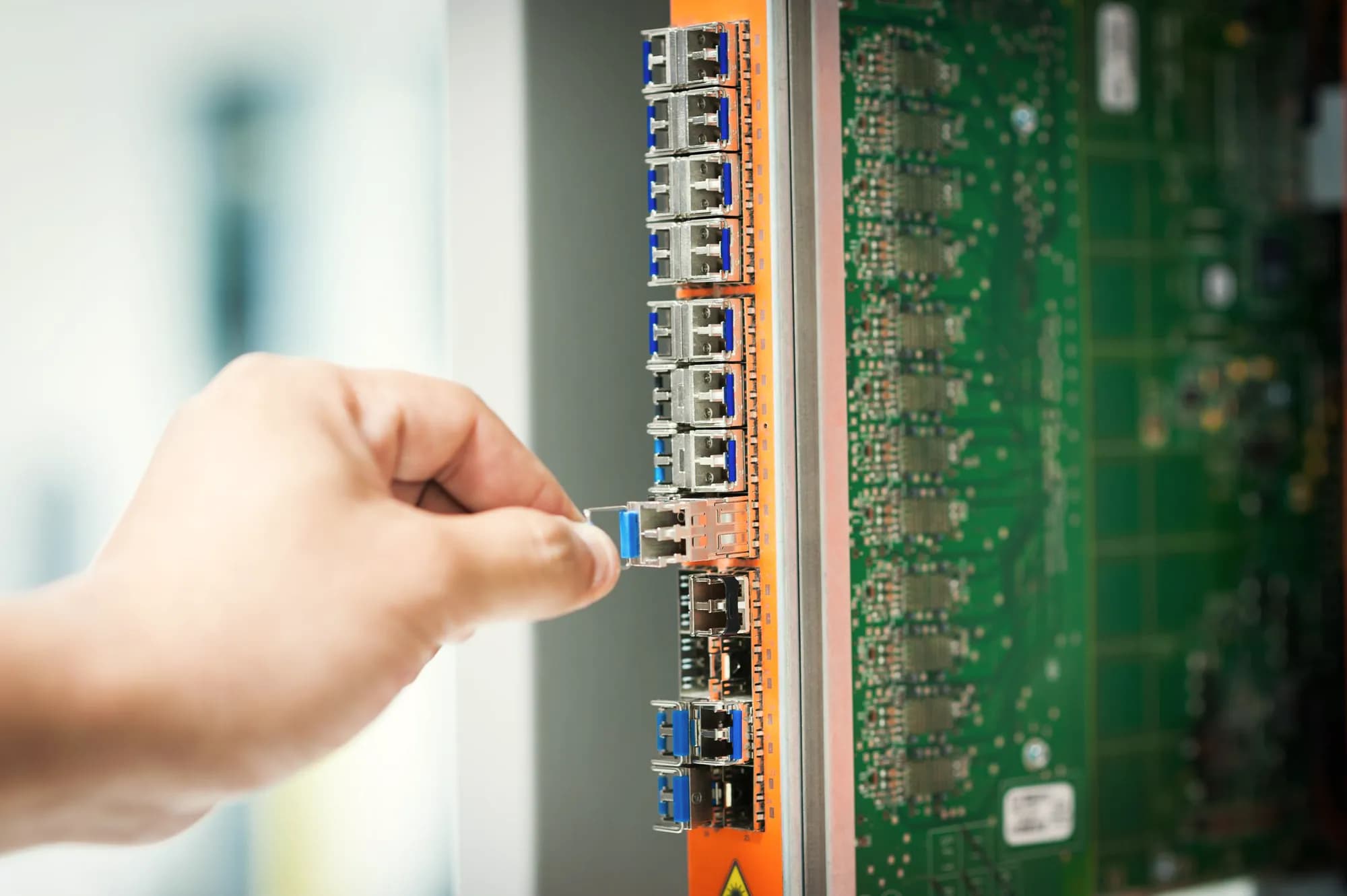
A hand slides a small optical transceiver out of a row of ports on a network switch card.

Outcomes

Decided workloads, reversible cutovers

  • A decision for every workload

    You know what moves, what changes, what gets retired and what stays, with the cost, risk and reasoning for each workload written down.

  • Cutovers with a way back

    Every cutover is rehearsed, has go/no-⁠go criteria agreed in advance and keeps the source system ready, so a problem on the night means rolling back, not improvising.

  • Data that arrives complete

    Databases replicate ahead of cutover, and counts, checksums and business-⁠level reconciliations show the new copy matches before anyone switches over.

  • Forecasts checked against real bills

    Each workload’s cloud cost is modeled before you commit, then compared with actual spend after every wave, so gaps are caught early and explained.

Capabilities

Map, route, move and cost each workload

The same six workstreams run through every migration, from the first discovery scan to switching off the servers each wave leaves behind.

Discovery and dependency mapping

Discovery tools show what runs and what talks to what. Interviews with each system’s operators add what tools miss: file drops, batch windows and hard-⁠coded addresses.

  • Discovery across VMware, Hyper-⁠V and physical servers
  • Dependency maps from observed network connections
  • Utilization captured across month-⁠end and seasonal peaks
  • Licensing, support dates and compliance constraints recorded

A route for every workload

Each workload gets one of six decisions: move it as is, move it onto managed services, rebuild it, replace it with SaaS, retire it or keep it for now.

  • Scored on business value, technical fit and risk
  • Unused systems retired rather than migrated
  • SaaS replacements weighed against migration effort
  • Rationale recorded so decisions survive staff changes

Legacy-⁠to-⁠cloud modernization

Where the effort pays off, workloads land on managed services rather than copies of old servers. Deeper rebuilds become planned follow-⁠on work, so the migration never turns into a rewrite.

  • Applications containerized with minimal code change
  • Self-⁠managed databases moved onto managed engines
  • Unsupported runtimes and operating systems upgraded
  • Scheduled jobs moved to managed schedulers or functions

Waves, cutover and rollback

Workloads move in waves grouped by dependency and risk, least critical first. Every cutover has a runbook, a rehearsal, go/no-⁠go criteria and a rollback that has actually been tested.

  • Landing-⁠zone readiness checked before the first wave
  • Waves planned around your business calendar
  • Step-⁠by-⁠step runbooks with named owners
  • Rollback triggers and a point of no return

Data and database migration

The method follows data size and downtime tolerance: backup and restore, native replication or change data capture. Data is reconciled before anyone switches over.

  • Schema and code conversion between database engines
  • Change data capture with native services or Debezium
  • Counts, checksums and business-⁠level reconciliations
  • File shares moved to object or managed storage

Cost modeling before and after

We model each workload’s cost today and in the cloud, including licenses, data transfer and dual running. Tagging on arrival lets us check each wave’s forecast against the real bill.

  • Today’s costs: hardware, facilities, licenses and support
  • Target sizing from measured use, not allocated capacity
  • One-⁠time migration and dual-⁠running costs included
  • Forecast versus actual reviewed after every wave

Approach

A pilot first, then wave after wave

  1. Step 1: Discover and baseline

    We inventory your environment with discovery tools and interviews, and record how each workload performs and what it costs today, so later comparisons are fair.

    Activities

    • Run discovery across servers, databases and network flows
    • Confirm dependencies, batch windows and constraints with system owners
    • Baseline performance, availability and current run costs

    You receive

    • Inventory and dependency maps you can keep current
    • Performance and cost baseline for each workload
  2. Step 2: Choose routes and build the case

    Each workload gets a route and a cost estimate, and dependent workloads are grouped into waves. You see what moves, what changes, what retires and what stays, and why.

    Activities

    • Score workloads on business value, technical fit and risk
    • Draft target architectures and model run costs
    • Group tightly coupled workloads into move groups and waves

    You receive

    • Migration plan with a route and rationale per workload
    • Cost model covering today, the migration period and the target
  3. Step 3: Ready the landing zone and run a pilot

    We check the landing zone against what the first waves need, from identity and guardrails to private connectivity such as Direct Connect, ExpressRoute or Cloud Interconnect. A low-⁠risk pilot then proves the tooling, runbooks and rollback end to end.

    Activities

    • Check identity, guardrails, logging, backup and service quotas
    • Test private connectivity, DNS and IP ranges against on-⁠premises
    • Migrate a pilot workload and rehearse its rollback

    You receive

    • A landing zone ready for the first wave
    • Proven migration tooling and runbook templates
  4. Step 4: Migrate in waves

    Every wave follows the same pattern: replicate, rehearse, decide go or no-⁠go, cut over and validate with business users. The source stays ready for rollback until you sign off.

    Activities

    • Rehearse the cutover, then lower DNS time-⁠to-⁠live and freeze changes
    • Run a final sync and reconciliation before the go/no-⁠go decision
    • Cut over, run smoke tests and business checks, then monitor closely

    You receive

    • Workloads running in production on the target cloud
    • A wave report with issues, fixes and lessons for the next wave
  5. Step 5: Optimize, decommission and hand over

    Once a wave settles, we rightsize from real usage, compare spend with the model and switch off the old infrastructure. Your team then takes over, or we stay on to run and improve what moved.

    Activities

    • Rightsizing, storage tiering and scheduling from observed usage
    • Forecast-⁠versus-⁠actual cost review with finance and engineering
    • Decommission source servers, storage and licenses

    You receive

    • An updated cost model and decommissioning record
    • Runbooks, diagrams and a handover to the operating team

Deliverables and fit

Wave plans, runbooks and reconciliations

What you receive

8 deliverables
  • Application and infrastructure inventory with dependency maps
  • Route decision and written rationale for every workload
  • Cost model covering current, migration-⁠period and target run costs
  • Wave plan sequenced by dependency, risk and business calendar
  • Landing-⁠zone readiness review with a remediation list
  • Cutover runbooks with go/no-⁠go criteria and tested rollback steps
  • Data reconciliation reports for every migrated database
  • Decommissioning plan, updated diagrams and handover runbooks
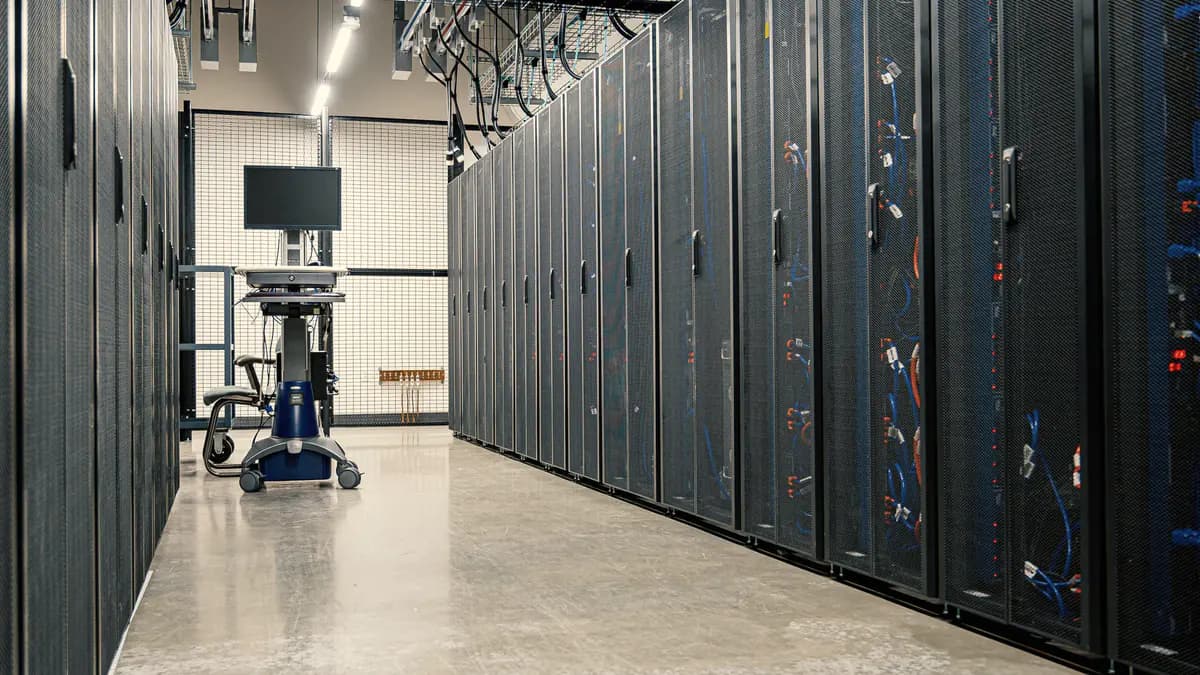
An aisle between two rows of server racks, with a monitor on a wheeled cart at the far end.
Everything in the aisle inventoried before the first wave moves

A good fit if

  • A data center lease, hardware refresh or license renewal is forcing a decision
  • Nobody can say with confidence which systems depend on which
  • An earlier migration stalled once the easy workloads had moved
  • Your core databases can tolerate little or no downtime
  • Finance wants a cost case it can check before you commit
  • You want to modernize as you move without turning the move into a rewrite

Engagement models

A full migration, specialists or support after landing

The models that usually suit this service. You can switch as the work changes.

  • Project delivery

    A migration with agreed waves, go/no-go criteria and rehearsed cutovers.

  • Team extension

    Migration specialists working inside your infrastructure team, to your plan.

  • Managed support

    Workloads that have landed and now need monitoring, patching and upgrades.

Technology

Clouds and migration tooling

Listed so you can check the fit with your stack. None of them implies a partnership or certification.

Tools and platforms

  • AWS
  • Microsoft Azure
  • Google Cloud
  • AWS Application Migration Service
  • Azure Migrate
  • Google Cloud Migration Center
  • Terraform
  • Ansible
  • Docker
  • Kubernetes
  • Debezium
  • PostgreSQL
  • Flyway

Illustrative scenario

Illustrative scenarioLeaving a leased data center one wave at a timeRead the scenarioHide the scenario
Illustrative scenario

Leaving a leased data center one wave at a time

A mid-⁠sized manufacturer running production planning, a supplier portal, reporting and a long tail of scheduled jobs on its own servers in a leased data center.

Challenge
The lease and the hardware support contracts both end on fixed dates, and much of the setup is documented only in people’s memories. The planning system schedules work on the plant floor, so it cannot go down during production.
Approach
  1. 1Run discovery and map network flows, then confirm each dependency with the people who operate the systems
  2. 2Choose a route per workload: retire unused reports, replace the file-⁠transfer server with a managed service, rehost the supplier portal and move the planning database onto a managed engine
  3. 3Check the landing zone, then prove the runbooks, tooling and rollback on a low-⁠risk pilot
  4. 4Replicate the planning database continuously and cut over in a window agreed with plant management, keeping the old server in sync until sign-⁠off
  5. 5Compare actual spend with the cost model after each wave, and switch off hardware as it empties
Outcome
The manufacturer leaves the data center in controlled steps instead of one high-⁠risk weekend. Unused systems are retired rather than moved, the planning database is reconciled before anyone switches, and finance can track actual cloud spend against the plan, wave by wave.

Services involved

Ask about a project like this

FAQ

Questions before the first workload moves

Ask a question

Which cloud should we migrate to?

That depends on your workloads, your team’s skills, existing licensing agreements, data residency requirements and the managed services you plan to use. We work on AWS, Microsoft Azure and Google Cloud, and when the choice is still open we compare them against your own portfolio in writing. If you have already chosen a provider, we plan within it.

Can we migrate without downtime?

Usually with a short, planned interruption rather than none at all. Continuous replication keeps the target in sync, so cutover is a brief switch rather than a long copy. For critical databases we can also replicate changes back to the old system, so rolling back does not discard work done after cutover. Some older systems still need a longer maintenance window, and we agree on acceptable disruption for each workload before anything moves.

Will moving to the cloud reduce our costs?

Not automatically. Copying servers that were sized for peak load can cost more in the cloud than on-⁠premises. We model costs per workload before you commit, including licenses, data transfer and the period when both environments run, then check the model against real bills after each wave. Savings come from retiring what nobody uses, rightsizing, managed services and commitment discounts once usage settles.

Should we modernize before, during or after the move?

Usually some of each. Cheap, low-⁠risk changes, such as moving a database onto a managed engine or containerizing a stateless application, fit well inside the migration. Deep rebuilds work better as follow-⁠on projects, once the workload runs in the cloud and you have real usage data. Bundling a rewrite into a migration deadline is a common reason migrations stall, so we keep those decisions separate.

How long will our migration take?

We won’t guess before discovery, because the timeline depends on what discovery reveals: how many workloads you have, how tangled their dependencies are, how much data has to move and how much will change on the way. After discovery you get a wave plan with ranges that narrow as each wave completes. Fixed deadlines, such as a lease end, shape that plan from the start, so the hardest workloads are not left until last.

Next step

Which workloads should move first?

Describe the system, process or decision in front of you. Expect questions back, a sensible first step and a fitting engagement model.

First step
A conversation about the problem, your systems and constraints
You leave with
A view on whether we can help, and a sensible first step
Before any work
A written proposal covering scope, team, approach and terms
Commitment
None until you approve that proposal